I’ve been using the quilt design software Electric Quilt (EQ) since the EQ5 version. I’m now using EQ8, so it’s been a few years. OK, quite a few.
All the drawings in this post were done with various versions of EQ.
I love EQ for several reasons:
- I like to design my own quilts. At first I didn’t have many ideas, so I just combined the blocks provided by EQ in various ways. There are almost endless possibilities. Here’s where I re-drew Arkansas Crossroads to see how it would look with a scrap slab center.

- Once a quilt is designed, it can be exported as a JPEG to share with friends! That’s how I got the pictures in this post from EQ to the blog 😀 Here’s one from 2007:

- I can fiddle endlessly with various layouts, block sizes, colors, etc, etc. before deciding how I want to do a quilt. Here are a few options I considered for a doll quilt for a friend.
- When the instructions in a pattern don’t work out, or the size of the quilt doesn’t suit me, I can draw the quilt in EQ and try out various solutions. Here’s a block I re-drafted after the instructions in the pattern didn’t really work. And by the way, I was able to print templates straight from EQ in the desired size once I got it re-drafted.

- AND on top of all that: the block above was colored with my actual fabric because I was able to scan the fabric into EQ, scale it, and then fussy cut the block center from it!
- It’s possible to make everything from simple to elaborate designs.


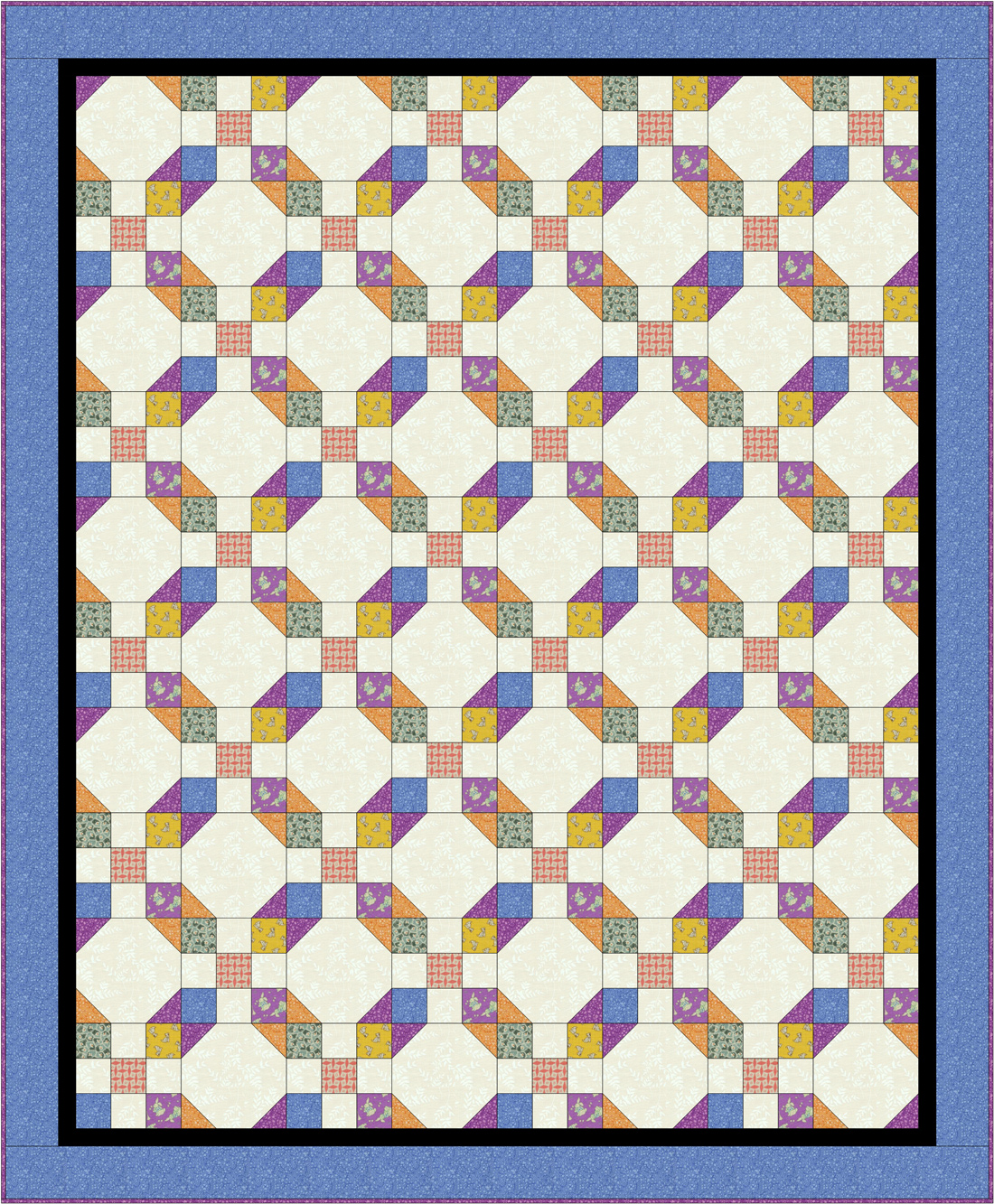
- EQ gives me an estimate of the yardage needed for a quilt. It does over-estimate a bit, but of course that’s waaaay better than underestimating! So, for example, I drew this quilt and then decided what size I could make it based on how much fabric I have. I can change the size of the blocks until the quilt fits my yardage!

- I just like to draw things in EQ for fun. Here’s a tile floor I photographed in a restaurant and then drew in EQ. No way would I make this, but it was fun to draw. The asymmetry shown was indeed in the floor from which I copied the design.

There are sooo many other things I love about EQ! I’ve just taken the on-line classes to learn to use it better and they were very helpful.
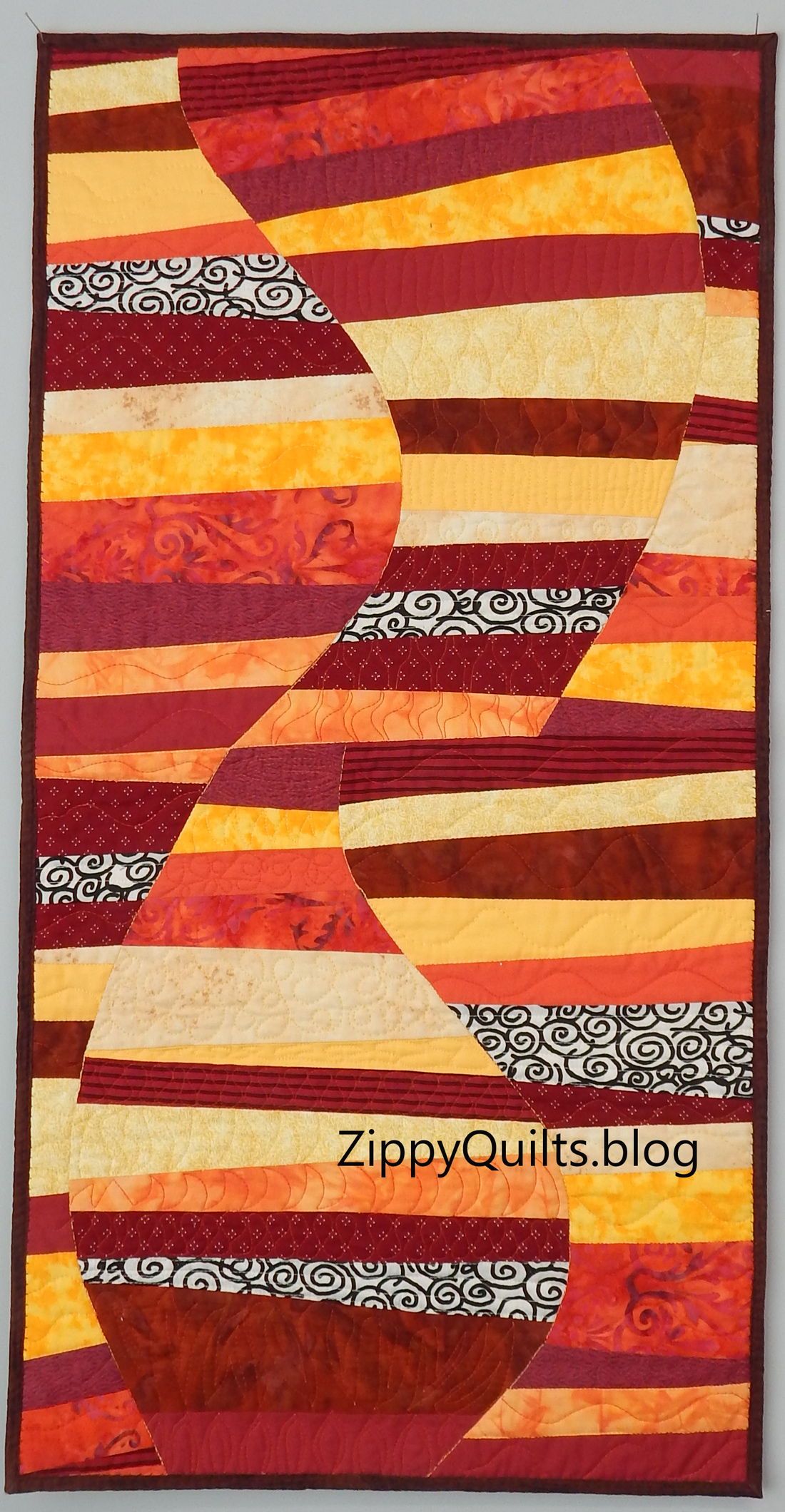
And finally, the folks at EQ provide wonderful customer service. A friend and I both failed to figure out how to draw the quilt below in EQ. I emailed tech support about it and Heidi drew it for me! She also sent a link to a lesson on how it was done 😀 That’s great customer service!
I get so much use out of this program! Have you tried it?
PS: No, this is NOT a sponsored post! But here’s the link if you want to learn more about EQ8: ElectricQuilt.com
The EQ folks have a video program for guilds, too. Don’t know about you, but we’re always looking for program ideas.